
The app for your security team
The OnDuty mobile app gives your staff everything they need on duty. Digital check-ins, patrol routes, incident reports – all in one intuitive app.
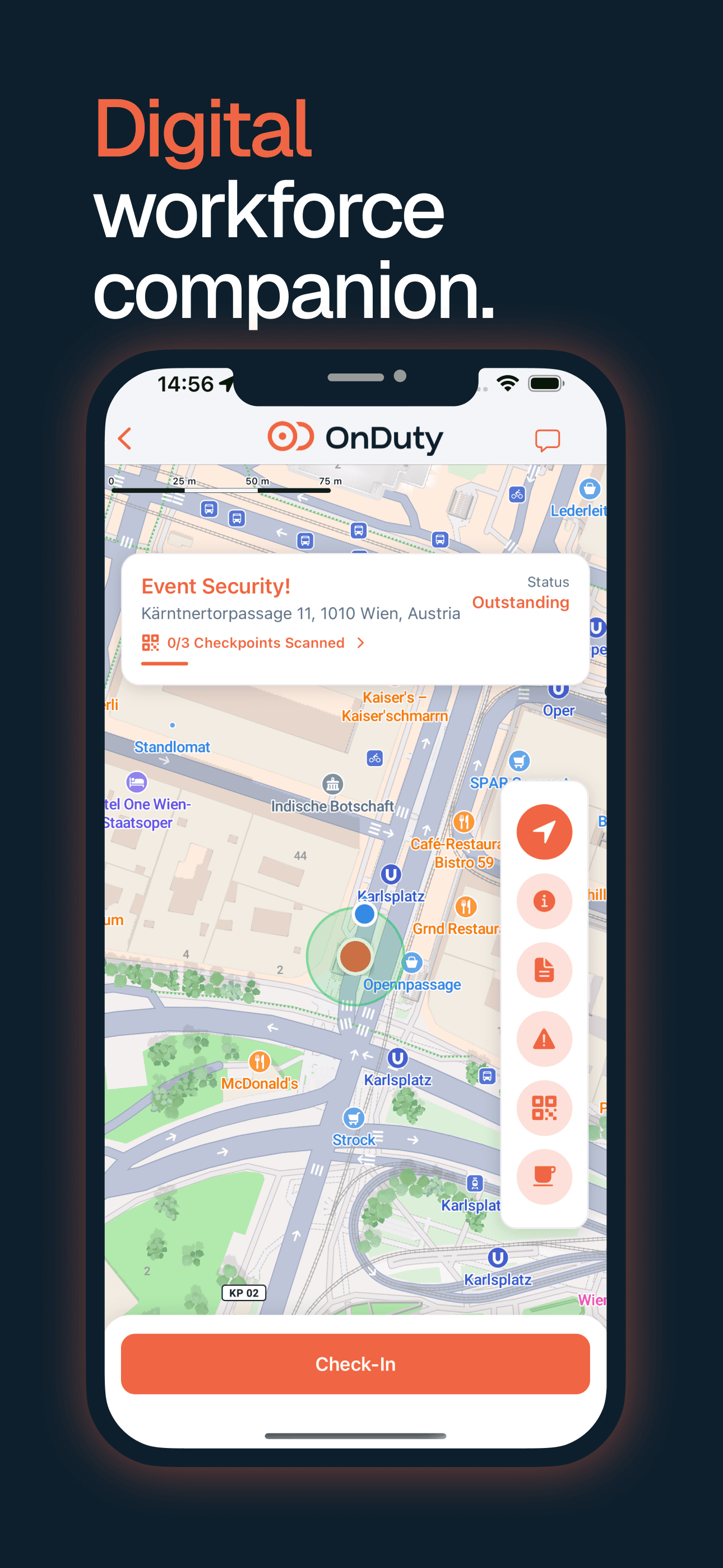


Simple as it gets: the workflow
From arrival to documentation – everything in just a few clicks.
Check in
GPS-verified check-in via QR code.
Start patrol
Scan checkpoints and document route.
Scan checkpoints
Scan QR code at checkpoint.
Document
Capture incidents with photos and notes.
Sync
All data automatically transmitted.
Check in
GPS-verified check-in via QR code.
Start patrol
Scan checkpoints and document route.
Scan checkpoints
Scan QR code at checkpoint.
Document
Capture incidents with photos and notes.
Sync
All data automatically transmitted.
Everything for the Job
Check-in/Check-out
GPS-verified login via QR code or manual.
Patrol Routes
Document control routes with checkpoints.
Geofencing
Automatic location verification at the site.
Reports
Capture incidents, observations, and activities.
Notifications
Push notifications for shifts and alerts.
Scanning
QR codes for quick capture.
Offline Mode
Continue working without internet connection.
Battery Efficient
Optimized for long shifts without battery issues.
Easy to Use
Intuitive interface anyone understands instantly.
Benefits for Your Team
Fast check-in in under 5 seconds
No more manual documentation needed
Instant notifications for changes
Works without internet connection
Available for iOS and Android
Free download for all employees
See the App in Action
See in a demo how easily your staff can work with OnDuty.